
"Xuper TV App Not Installed? Every Install Error Fixed"
"App not installed"
The generic message with four specific causes. Work through them:
- Corrupted download. Check the file size: it must be 48.7 MB. Anything much smaller is a truncated download. Delete it and re-download from the official download page.
- Signature conflict. If any older Xuper TV build (or a repack with the same package name) is installed, Android refuses the new file. Uninstall the old one first.
- No storage. You need the 48.7 MB file plus working space. Free at least 300 MB and retry.
- Android too old. The app needs Android 4.4 or newer. Check Settings, About Phone.
"Parse error: there was a problem parsing the package"
Android could not read the APK at all. In practice this is always a bad download: interrupted transfer, a browser "save" that stored an HTML error page instead of the file, or transfer corruption via USB. Re-download on stable Wi-Fi and confirm the size before tapping.
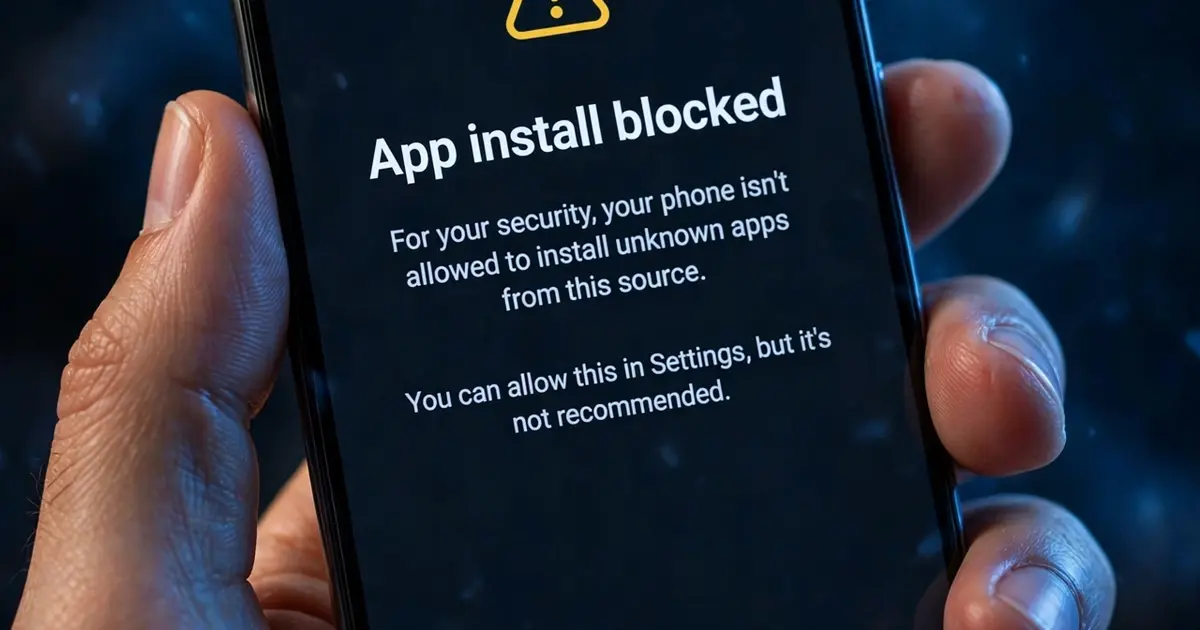
Install blocked / "Install unknown apps"
You tapped the file and Android stopped you at a settings screen. That is the expected first-run gate, not an error. Follow the step-by-step install guide: allow your browser (and only your browser) to install unknown apps, go back, and the Install button appears.
"Download anyway?" browser warning
Chrome warns about every APK. Tap the option to keep the file. If your browser deletes it automatically, check the browser's safe browsing settings or use a different browser for the download.
Grayed-out Install button
Screen overlay apps, floating chat heads, blue-light filters and some screen recorders intercept taps on system dialogs, and Android grays out Install as a security measure. Temporarily disable any floating or overlay app, then retry.
Stuck on "Installing..." forever
Cancel, restart the phone, and try again. A stuck installer is usually a wedged package manager session, and a reboot clears it. If it repeats, the file itself is suspect, so re-download.
After a failed install, start clean
Delete every partial xupertv-app.apk copy from Downloads so you never accidentally tap the broken one again, then take the known-good file from our download page and run the install steps once more.