How to Install Xuper TV APK on Android (Step-by-Step)
Before you start
You need an Android phone or tablet running Android 4.4 or newer, about 150 MB of free space (the file is 48.7 MB and the installed app needs breathing room), and a Wi-Fi connection. Grab the file itself from our Super TV APK download page, which hosts the exact build our lab tested, version 6.5.7.
Install Xuper TV APK in 6 steps
These steps are written for the current Android settings layout. Menu names move slightly between brands, but the path is the same everywhere.
1. Download the APK file
Open the download page in your phone browser, wait for the countdown, and tap the download button. Your browser will ask you to confirm the download. Accept it. You will see xupertv-app.apk (48.7 MB) land in your notifications or Downloads folder. If the size looks very different, delete it and download again, since a truncated file is the top cause of install errors.
2. Open the downloaded file
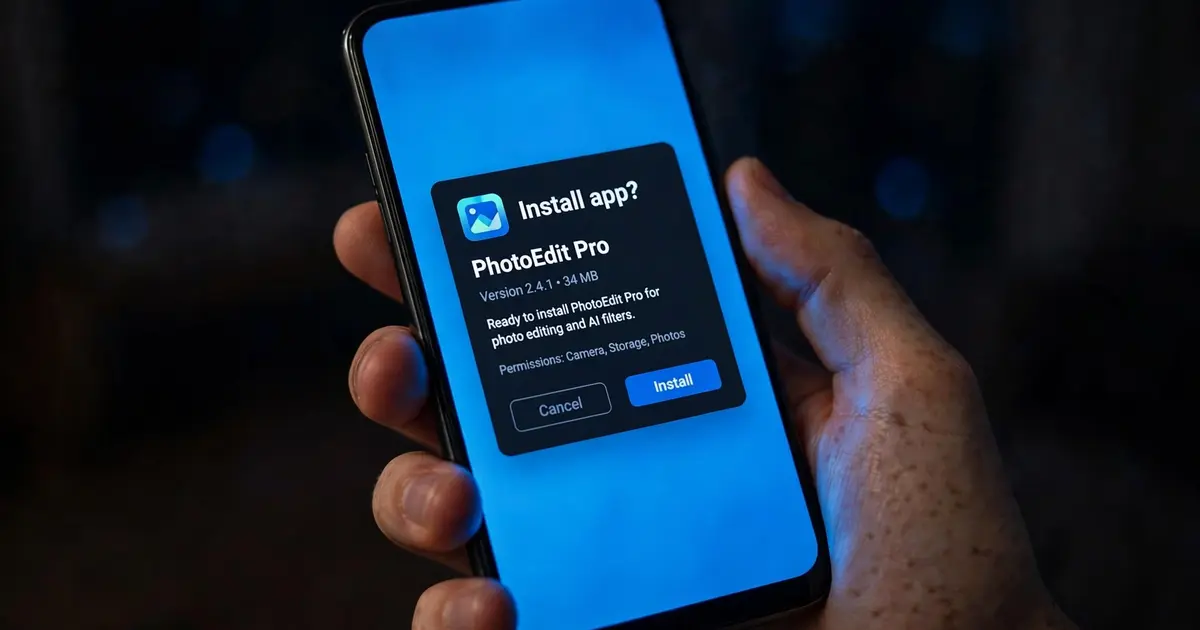
Tap the finished download in your notification shade, or open your Files app, go to Downloads, and tap xupertv-app.apk. Android will show an install prompt with the app name (Xuper) and the permissions it wants.
3. Allow your browser to install apps
The first time you sideload, Android blocks the install and shows a screen about installing unknown apps. Tap Settings on that prompt, find your browser (Chrome, for most people) and switch on "Allow from this source". This permission is per app, so you are only trusting your browser, not opening the whole phone.
4. Go back and tap Install
Return to the install prompt (use the back button, your place is kept) and tap Install. The progress bar takes 20 to 60 seconds. Do not lock the phone mid-install.
5. Decide on notifications
When the app first opens it may ask for notification permission. This is optional. We suggest declining until you know you want update pings, since streaming apps love to nudge.
6. Open and orient yourself
The app lands on its home screen with sections for live TV, movies and series. Everything is browsable immediately, no account, no activation code. If a stream stutters, our buffering fix guide covers the usual culprits.
Putting it on a bigger screen instead?
These phone steps also work on Android tablets. But if your target is the living room TV, do not sideload the phone build there, the touch interface fights with a remote. Use our Android TV install guide or the Firestick Downloader walkthrough for the remote-friendly builds. Prefer a bigger screen with a keyboard? Watch Xuper TV on PC instead.
If the install fails
Nine times out of ten it is one of three things: a half-downloaded file (re-download and check the 48.7 MB size), the unknown-apps toggle set on the wrong app, or not enough storage. We collected every error message and its fix in App not installed? Every Xuper TV install error fixed.