
Xuper TV Data Usage: How Much Mobile Data Streaming Really Costs
The per-hour numbers
| Quality | Data per hour | A 2-hour movie costs |
|---|---|---|
| SD (480p) | ~1 GB | ~2 GB |
| HD (720p) | ~2 GB | ~4 GB |
| Full HD (1080p) | ~4.5 GB | ~9 GB |
| 4K (2160p) | ~11 GB | ~22 GB |
These are the same figures behind our internet speed requirements: bitrate is bitrate, whether it constrains your pipe or your cap.
7 ways to spend less data
- Set a default quality. Do not let Auto pick 4K on a phone screen. 720p on a phone looks great and uses a fifth of the data.
- Download on Wi-Fi. Offline downloads move the gigabytes to unmetered Wi-Fi. This is the single biggest saver for commuters.
- Kill autoplay. Next-episode autoplay is a data leak disguised as convenience, especially overnight.
- Prefer SD for background watching. News and talk shows do not need HD. Save the pixels for movies.
- Watch your hotspot. Tethering a TV to a phone plan burns through allowances invisibly. Check the phone's data counter, not the TV's.
- Close the player, not just the screen. A player left paused can keep buffering. Back out fully when you stop watching.
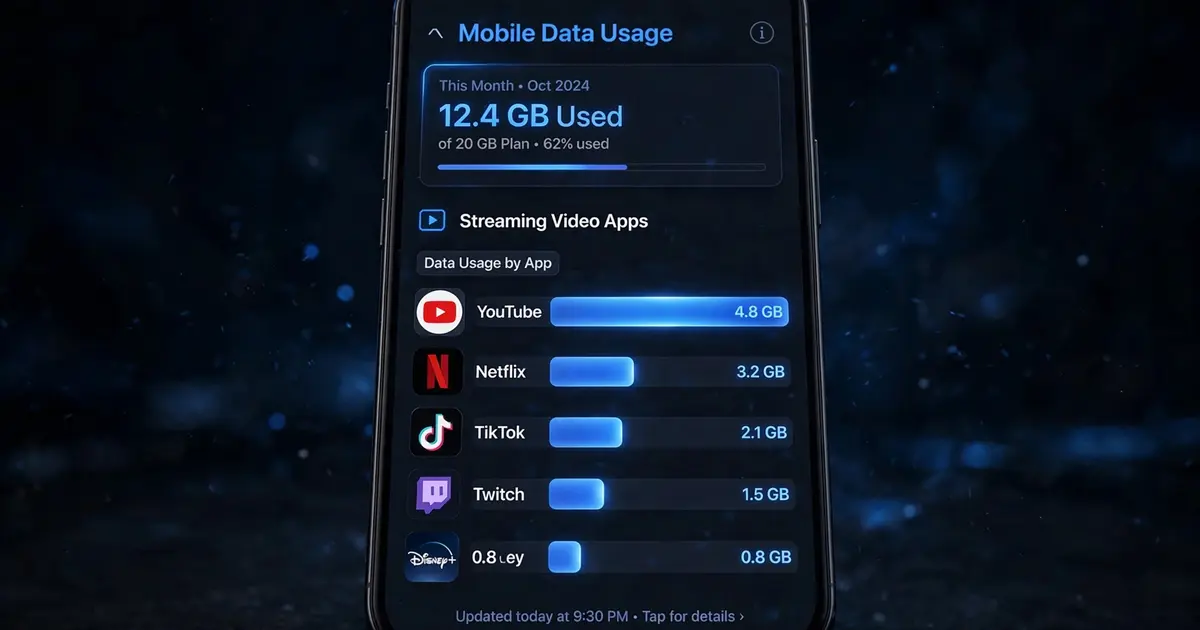
- Audit monthly. Android's data usage screen per app shows exactly what Xuper TV consumed. One look calibrates all future choices.
The commuter playbook
Download two movies on home Wi-Fi the night before (how), watch offline on the train, delete when done. Zero mobile data, zero buffering, zero surprises on the bill. It is the highest-value habit in this entire guide.