
Xuper TV Offline Downloads: Save Movies to Watch Without Internet
Why download instead of stream
Flights, commutes, patchy hotel Wi-Fi, data caps. Downloading once on good Wi-Fi and watching anywhere is the whole point. The feature lives on movie and episode detail screens, usually a downward arrow icon next to the play button.
How it works
- Open a movie or episode from the movies and series library.
- Tap the download icon and pick a quality. Lower quality means smaller files and faster downloads.
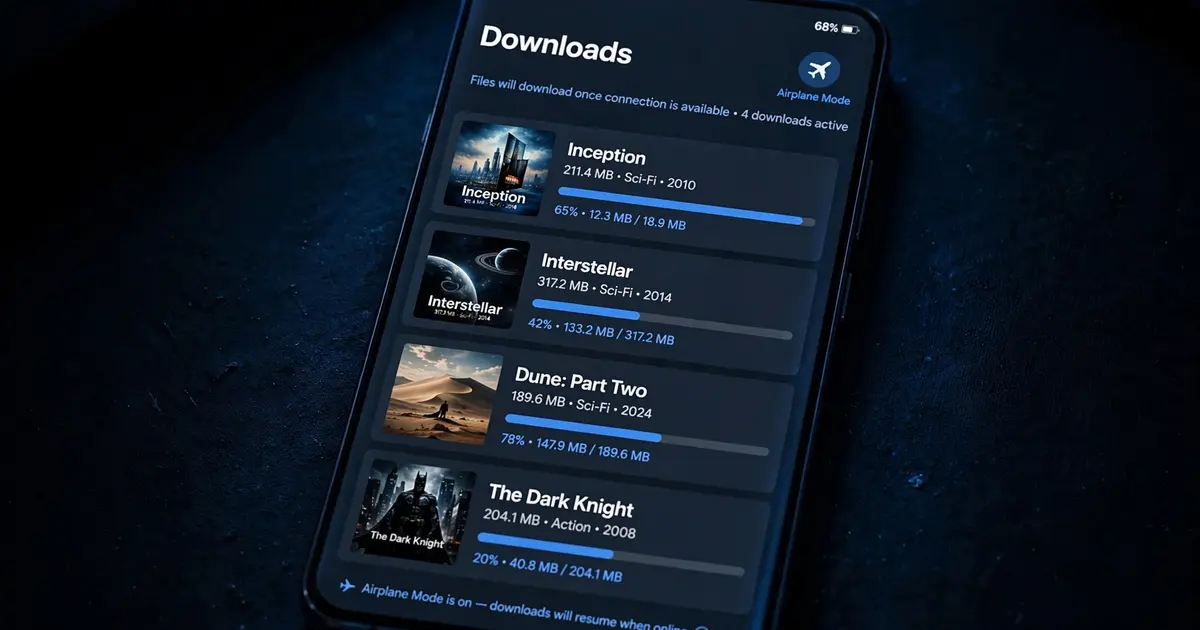
- The title appears in the app's Downloads section with a progress bar.
- Watch from Downloads with no connection at all. The app plays the local file.
Storage math
Video eats space fast. Rough rule of thumb per hour: SD about 0.5 GB, HD about 1.5 GB, Full HD about 3 GB. A 16 GB phone fills up after a handful of HD films, so download deliberately: pick SD for phone screens where you will not see the difference, save HD for tablets. And watch the data usage guide if you ever download on mobile data by accident, because one HD movie can erase a monthly allowance.
Managing the download pile
- Delete what you watched. Downloads do not clean themselves up. A monthly purge keeps the app fast.
- Wi-Fi only. Turn on the Wi-Fi-only download setting if it exists, so a stray tap never burns mobile data.
- Check expiry. If a downloaded title suddenly will not play, re-download it. Some sources attach time limits.
- SD card. On phones with expandable storage, point downloads at the card in settings to protect internal space.
When downloads fail
A download that stalls at 0 percent is usually a source problem, try a different server for the title. One that fails at 99 percent is usually storage, free space and retry. And if the download button is missing on a title entirely, that title is stream-only, which is common for live-adjacent content.