
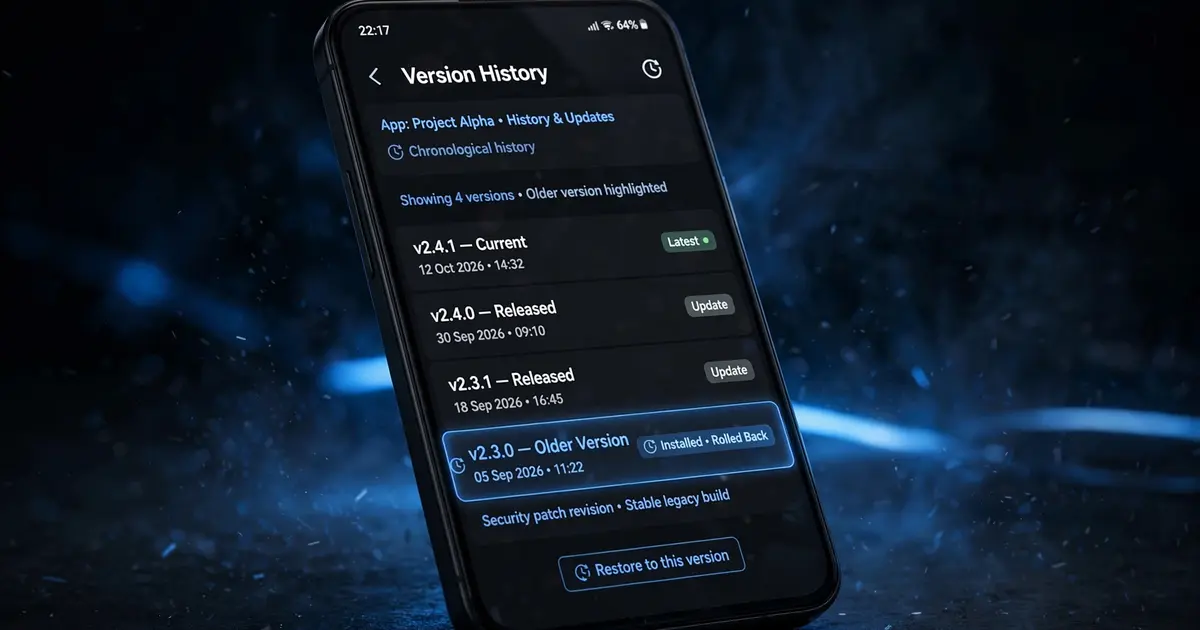
Xuper TV Old Versions: Should You Install an Older APK?
Why people want old versions
Usually one of three reasons: the new build misbehaves on an old device, a favorite feature moved, or "the old one just worked". The first reason is legitimate. The other two are usually nostalgia plus a bad week.
The honest trade-offs
| Latest verified build | Old build | |
|---|---|---|
| Security fixes | Current | Missing, sometimes badly |
| Server compatibility | Matched to live backends | Degrades as backends move on |
| Features | All current | Frozen in time |
| Device compatibility | May drop very old devices | May suit an ancient phone |
| Verification | Tested by our lab | Who knows what the file is |
Old builds are a slow decay, not a time capsule. Streams fail one by one as sources retire the endpoints the old app speaks to.
The one good reason: ancient hardware
If your device runs Android 4.4 to 5.x and the current build will not install, an older build from the same era may be your only option. In that case: get the oldest build that still installs, use it only on that device, and never sideload old builds onto a phone you care about.
Rolling back safely
- Note your must-have channels somewhere outside the app, because uninstalling wipes favorites.
- Uninstall the current Xuper TV completely.
- Install the older APK. Verify it actually is Xuper TV (package
com.msandroid.mobile) and not a repack. - At the first sign of stream failures, come back to the current build with our update guide.
The default answer
For everyone else: run the latest verified build from the official download page. It is the one our lab tested, the one whose permissions we audited, and the one matched to the servers running today.