
Xuper TV Downloader Codes: The Short Way to Install on Firestick
What the numbers actually do
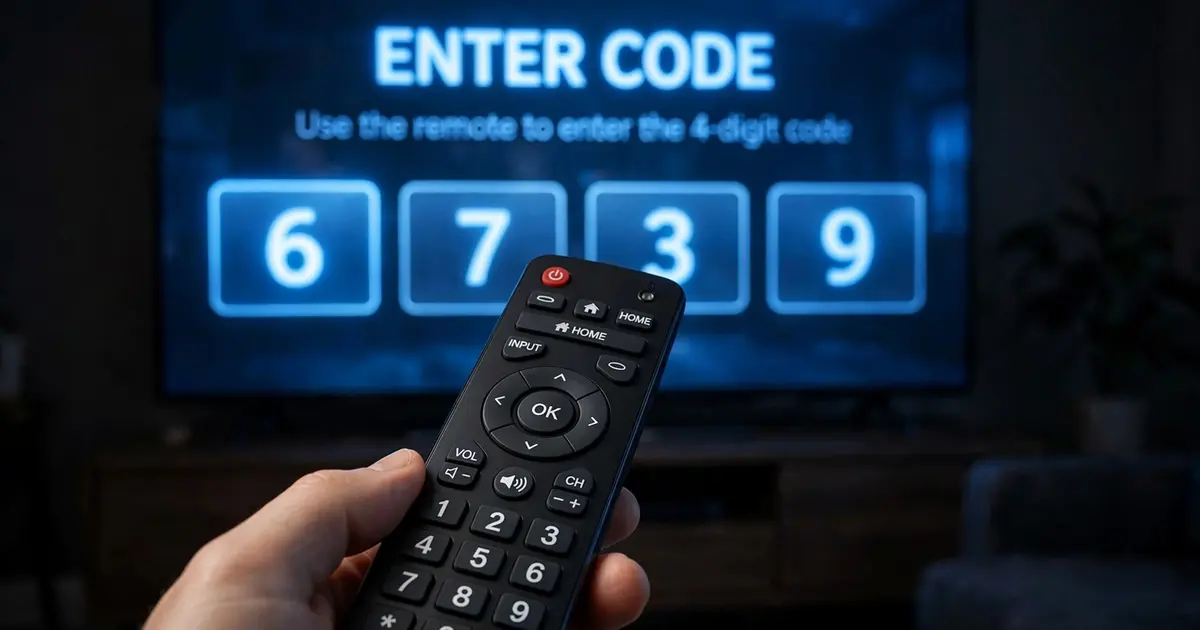
Typing a full URL with a TV remote is miserable. A Downloader code is a short numeric alias: you punch in 7 digits, Downloader resolves it to a download page, and you are at the file in seconds. That is all it is, a bookmark with numbers instead of letters.
Using one
- Install and open Downloader on your Firestick or Android TV.
- In the URL bar, type the code digits and press Go.
- Downloader opens the linked page. Wait for the countdown, start the download, and install when prompted, exactly as in our Firestick guide.
When a code dies
Codes are maintained by whoever created them, and they rot: pages move, hosts change, codes get retired. If a code fails, do not go hunting through sketchy code lists. Just type the full address of our download page into Downloader directly. It takes twenty seconds longer and always works.
Code hygiene
- Verify the file. Whatever the code fetched, confirm it is 48.7 MB and installs as Xuper TV before trusting it.
- Beware code aggregator sites. Pages that list hundreds of codes with no context are often outdated or point at repacks. A code from an unknown list deserves the same suspicion as any random download link.
- One trusted source beats ten codes. Bookmark the download page itself and you will never need a code again.
For the full big-screen process around the code, see Xuper TV on Android TV.