
Xuper TV Movies and Series: Browsing the On-Demand Library
Two libraries, not one
Xuper TV runs two content systems side by side: live channels that broadcast on a schedule, and an on-demand library of movies and series you start whenever you like. New users mix them up, so learn the difference early. Live TV is in the channel section with the EPG grid; movies and series live in their own browsable library with posters, ratings and episode lists.
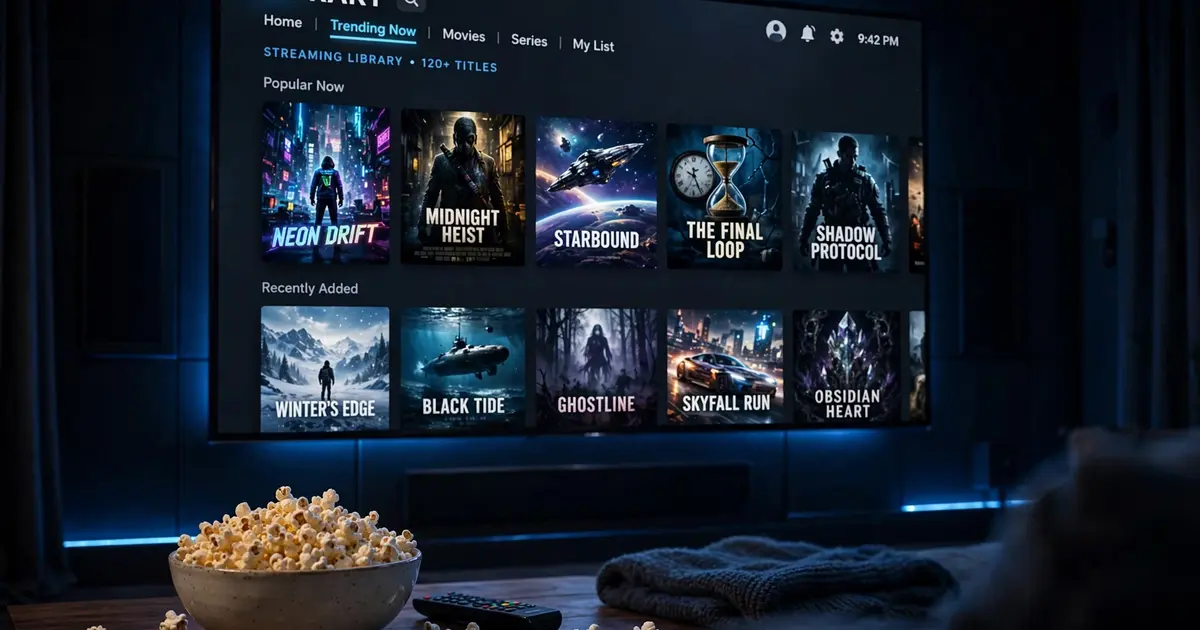
Browsing the library
- Categories and genres slice the catalog: action, drama, comedy, horror, animation, documentary.
- Search is the fastest route to a specific title. Three letters beat three minutes of scrolling.
- Trending and recent rows surface what is new and what others are watching.
- Detail screens show the synopsis, rating, audio and subtitle options, episode lists for series, and the server picker. Our real screenshot of a series detail page shows exactly this layout.
Dubs, subs and languages
Audio and subtitle tracks ride with the source, not the app. A title might offer Spanish and English audio with subtitles in four languages, or a single Spanish track with nothing else. Check the player controls before settling in, and read the language settings guide for the full picture.
Building your watch routine
- Favorite aggressively. Tap favorite on anything you might watch. The favorites row becomes your personal front page and beats re-searching every time.
- Download for travel. Anything you will watch on the move goes to offline downloads on home Wi-Fi first.
- Mind the data. Bingeing in 4K on mobile data is the fastest way to learn your cap exists. The data usage guide has the per-hour math.
When a title will not play
Switch servers first, it resolves most dead titles. Then check whether the problem is the title or your connection with the not working fixes. Sources rotate constantly, so a title that fails today may work tomorrow on a fresh source.