Xuper TV TV Version vs Mobile Version: Which Build Do You Need?
The confusion, in one paragraph
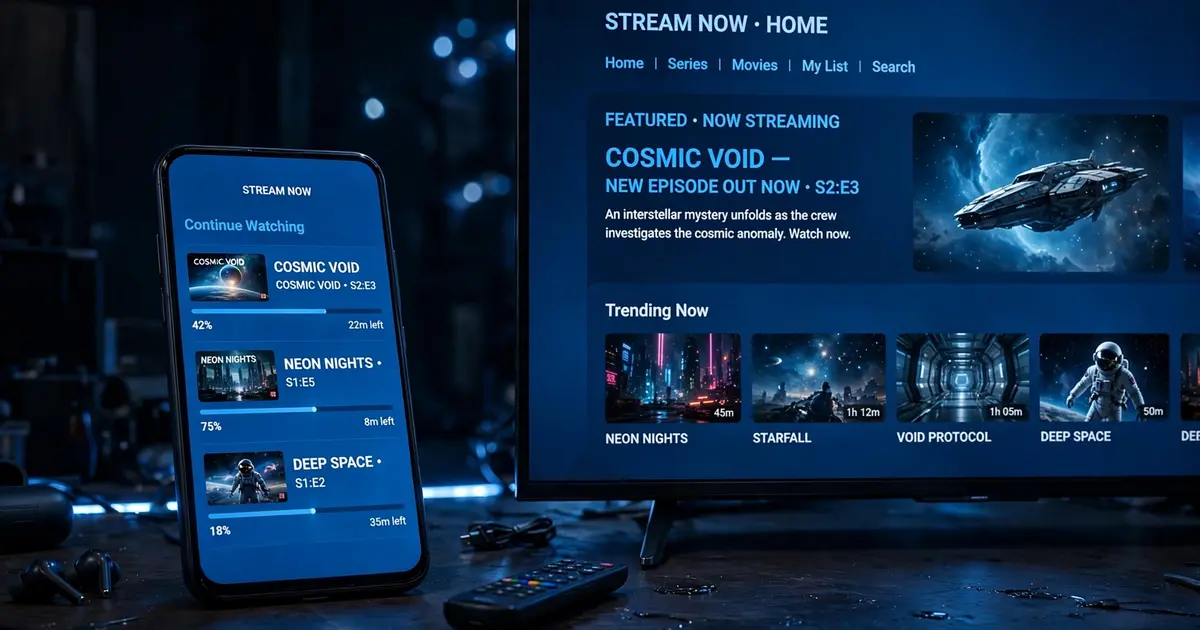
Search results mix two products with similar names and totally different version numbers: a mobile build in the v6.x line (currently v6.5.7) for phones and tablets, and a TV build in the v4.34.x line for Android TV, Google TV and TV boxes. Neither is an upgrade of the other. Installing the wrong one is the reason behind half the "the app feels broken on my TV" complaints.
Side-by-side comparison
| Mobile build (v6.5.7) | TV build (v4.34.x) | |
|---|---|---|
| Made for | Phones, tablets | Android TV, Google TV, TV boxes |
| Interface | Touch lists and tabs | Big tiles, D-pad navigation |
| Remote support | Partial (needs mouse toggle on sticks) | Full |
| File size | 48.7 MB | Around 32 MB |
| Our download page | Yes, this is the hosted file | Linked in our TV install guide |
How to tell which one you have
Open the app and look at the home screen. Small rows you would swipe with a finger means mobile. A grid of large tiles that highlights as you press arrow keys means TV. You can also check the version in the app settings: 6.x is mobile, 4.34.x is TV.
Which should you install?
- Phone or tablet in your hand: mobile build. Grab it from the Super TV APK official download page and follow the phone install steps.
- TV, box or Firestick on the wall: TV build for the best experience. Our Android TV guide and Firestick guide walk through sideloading on the big screen.
- iPhone or iPad: neither, there is no iOS build at all. See Xuper TV on iOS for what actually works on Apple devices.
Can you switch later?
Yes. Uninstall the wrong build and install the right one. Favorites and watch history live inside the app, so export anything you care about first if the app offers it, or just re-add channels after the switch. There is no account to carry settings between builds.