Xuper TV on PC: 3 Ways to Watch on Windows and Mac
Your three options
There is no PC version of Xuper TV, but you do not need one. Pick the route that matches your hardware.
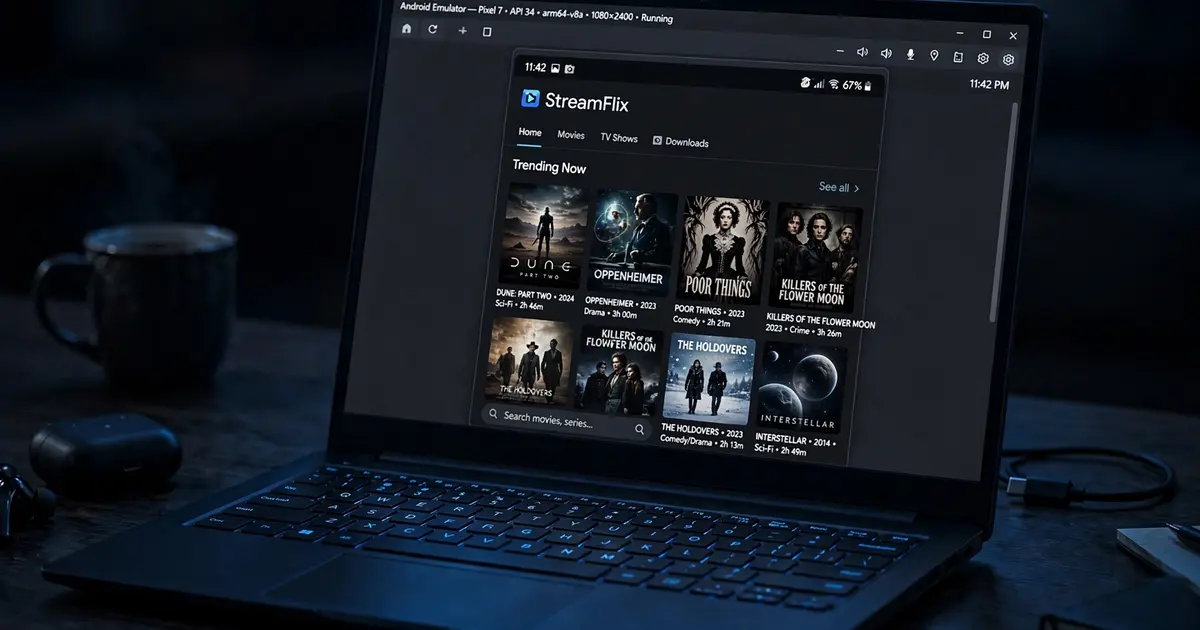
Option 1: Android emulator (best experience)
An emulator runs the real Android app in a window on your PC, with mouse and keyboard.
- Install BlueStacks or LDPlayer (Windows) or BlueStacks (Mac). Enable virtualization (VT-x/AMD-V) in your BIOS if the installer asks.
- In the emulator's settings, give it at least 4 GB RAM and 2 CPU cores.
- Download
xupertv-app.apkfrom our download page on your PC. - Drag the APK file onto the emulator window, or use its Install APK button. The app installs exactly like on a phone.
- Open Xuper TV inside the emulator and stream. Fullscreen the emulator window for the TV feel.
This is the only route that gives you the full app, downloads and all. If the emulator stutters, the buffering fixes apply here too, and closing other heavy programs helps more than any app setting.
Option 2: Cast from your phone
Install Xuper TV on your Android phone with our phone install guide, then cast to the PC:
- Chromecast built-in or a Chromecast device on the same network: use the cast button where the app offers it. Our Chromecast guide covers the setup.
- Windows Connect app / Miracast: mirror the whole phone screen wirelessly. Quality depends on your Wi-Fi.
Casting is quick to set up but you lose offline downloads and the phone must stay awake.
Option 3: Mirror with a cable or app
USB mirroring tools (like scrcpy, free and open source) show your phone screen on the PC with very low latency. Install the app on the phone once, plug in, and control everything from the computer. Great for testing, less cozy for movie night.
PC-specific tips
- Keyboard shortcuts. Emulators map arrow keys and Enter to remote-style navigation, which makes the TV build surprisingly pleasant on PC.
- Storage. Emulator disk images grow fast with downloads. Point Xuper TV's download folder at a real PC folder if you use offline downloads heavily.
- Updates. Update the APK inside the emulator the same way as a phone: install the new file over the old one. See how to update Xuper TV.