
Xuper TV Channel List: How the Sections Are Organized
The lay of the land
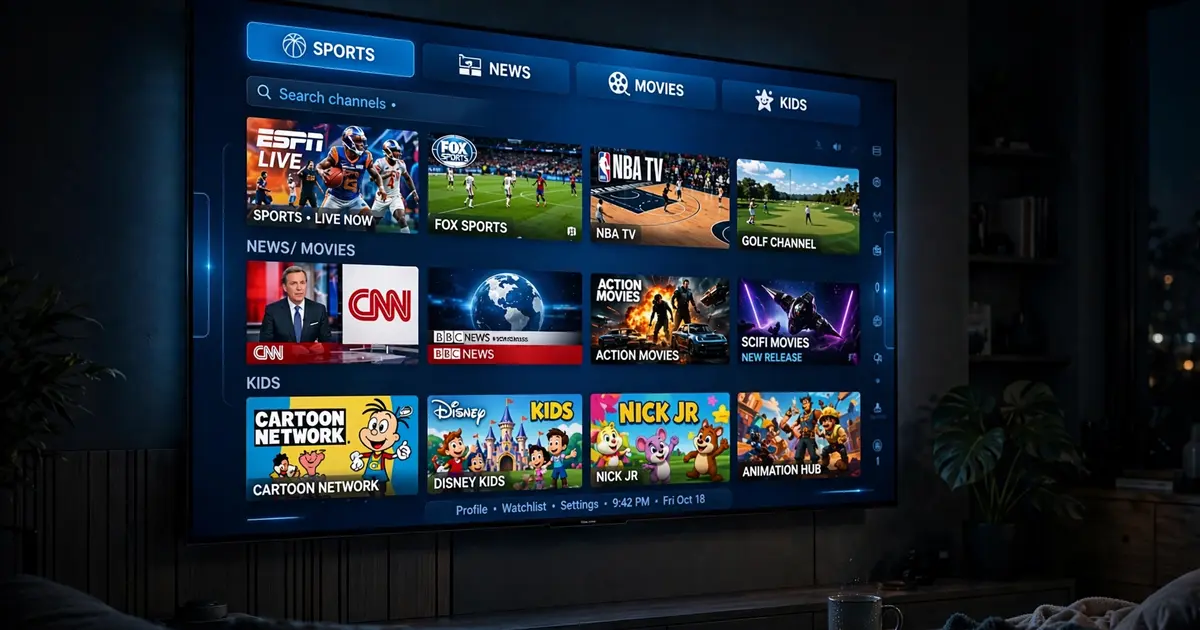
Open the live TV section and you will find channels grouped by category rather than dumped in one endless list. The exact categories shift between builds, but the shape is consistent: sports, movies, news, kids, music and international feeds, with Latino channels getting especially strong coverage given the app's roots.
The categories that matter
- Sports. Live sports feeds and sports news channels. On match days this is where the traffic goes; our sports guide is the game-day companion.
- Movies. Channels that run films around the clock, distinct from the on-demand movies and series library. Good for background watching.
- News. International and regional news feeds in several languages.
- Kids. Cartoons and family channels. Pair with parental controls before handing over the remote.
- International / Latino. A deep bench of Latin American feeds, which is one of the app's genuine strengths. The language settings guide helps you tune the interface to match.
Finding things fast
- Search first. Typing three letters beats scrolling three hundred channels.
- Favorites are your homepage. Add the ten channels you actually watch and ignore the rest. The favorites section becomes your personal channel list.
- The EPG is the map. The program guide shows what is on now across channels, which beats opening each one.
When the list looks thin
Channel availability is the most volatile part of any app like this. Feeds come and go as sources change, which is normal and not a sign your install is broken. If a favorite vanishes, search for it by name (it may have moved categories), try alternate servers, or check the sports guide on game days when demand reshuffles what is reachable. And if whole sections fail at once, run the not working checklist before assuming the worst.